
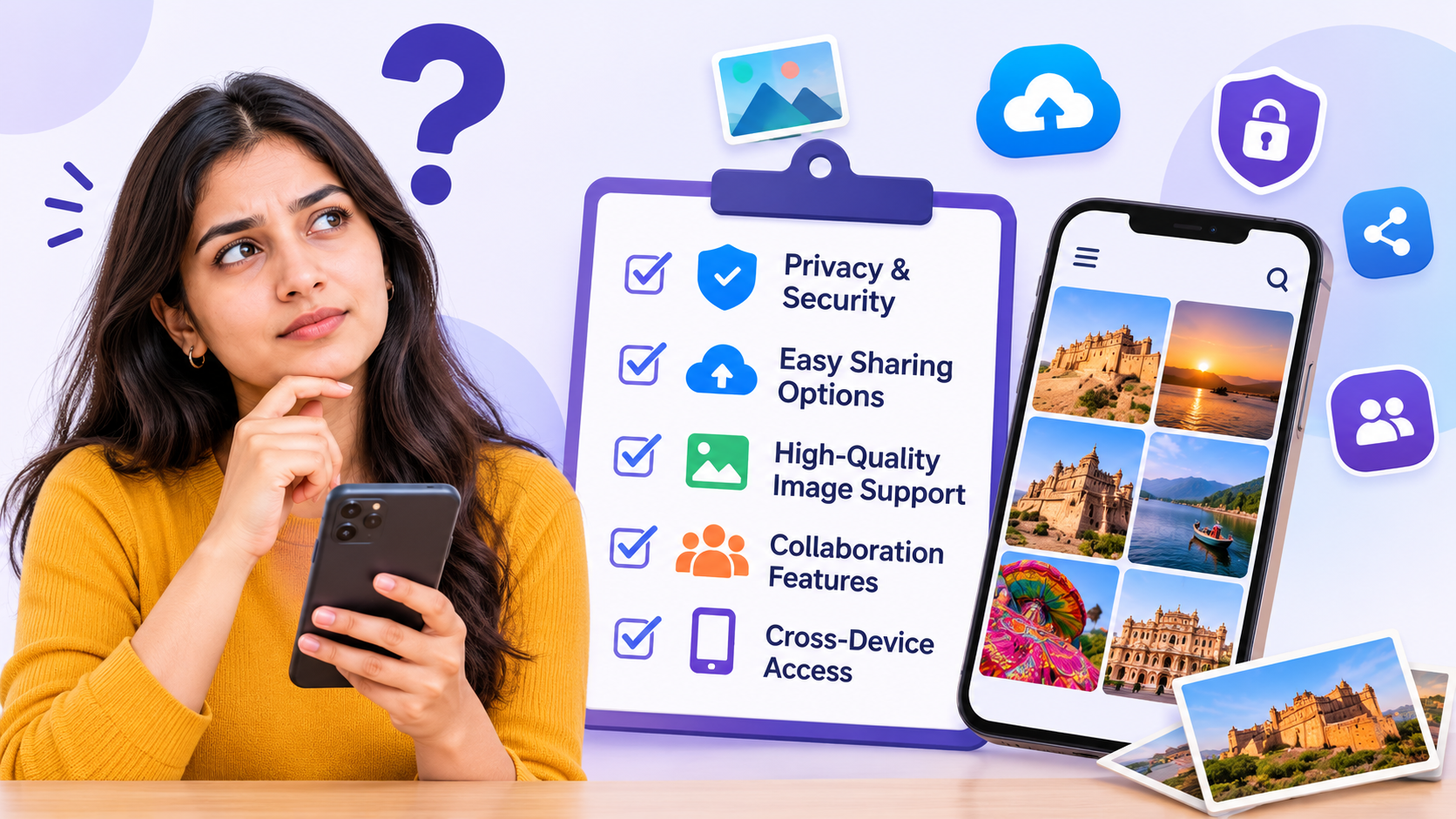
Which Features Matter Most in an Online Photo Sharing App?
Imagine uploading 2,000 photos from a family function and sharing them with 40 relatives. These features decide how smooth that goes:
- Uploads and organisation: Bulk uploads, albums and folders usually save a good amount of time. A good online photo gallery app should let you upload once and sort later.
- Search and filtering: It is hard to find one photo out of thousands without date, album or name filters.
- Original resolution downloads: Confirm if users can download files in their original quality and what file formats are supported, such as JPEG or RAW.
- Easy viewing and sharing: Most people are clicking through links on their phones, so make sure your galleries load quickly on those little screens too.
- Storage and performance: Look at storage limits, upload times for each photo, and how the app deals with large galleries.
How Important Are Privacy and Photo Access Controls?
Privacy and photo access controls are one of the most crucial aspects of such photo sharing apps, especially for weddings, children’s photos or client work. Look for password-protected galleries, private links, access permissions and download controls, so you decide who can view and who can save images.
Also check retention policies. Ensure how long the photos can be stored, and what happens when you delete them or delete your account in the app. Remember that reading the photo sharing platform’s privacy policy and security documentation is necessary.
A password or private link within the app adds a further layer of protection; however, it does not guarantee complete security. Anyone with access can still share what they see, so choose settings that match how sensitive the photos are.
Should You Choose an AI Photo Sharing App?
An AI photo sharing app may use AI-assisted search, face-based photo discovery, tagging or automated organisation. When available, these features reduce manual effort. At a large event, for example, a guest could find their own photos instead of scrolling through the full gallery.
But AI functionality differs across platforms, and not everyone needs it. If you choose one, check how biometric data, face matching and uploaded images are processed, how long they are kept and whether you can switch the feature off or delete the data.
How to Compare Photo-Sharing Platforms Before Deciding
A simple photo sharing platform comparison works best when you score each of the options against the same checklist:
- Features and storage: Check for the upload and search limits that match your photo volume.
- Ease of use: Ensure that the app usage is simple for the people viewing the photos. Confirm whether the app works across phones, tablets and computers.
- Privacy controls: Check for access, privacy controls, download and deletion options.
- Pricing: Look for any kind of hidden restrictions such as resolution caps, download limits or expiring galleries.
- Support and scalability: Check whether support and scalability are available.
Is Pixoye the Right Photo-Sharing Platform for You?
If you want a simple way to share event galleries and allow people to find their photos quickly, then you should check out Pixoye. Pixoye - AI Photo Sharing App blends online gallery sharing with AI face recognition to help guests find relevant pictures without scrolling through thousands of images.It’s especially good for weddings, school events, sporting events and corporate events.
If you’re searching for the Pixoye AI photo sharing app India then you can check out the Pixoye Photo Sharing App to know about its features, gallery access options, and plans available. Before you decide on a plan, make sure to read the privacy policy and test out the sharing and photo discovery features to ensure they meet your needs.
Conclusion: Choose a Platform That Fits Your Photo-Sharing Needs
Pixoye photo sharing app is the right platform that strikes a perfect balance between convenience, security, functionality and cost to a huge extent for your needs. Compare all the latest features, check the privacy settings and give it a test before you commit. When you’re ready, explore Pixoye and see whether it fits.
Frequently Asked Questions
1. What is the difference between an AI photo-sharing app and cloud storage?
An AI photo-sharing app is a little different from cloud storage. AI apps are about viewing and sharing in the gallery, while cloud storage is about storing files, backups and accessing files across devices.
2. How can you share event photos securely with multiple people?
Look for privacy controls, with password protection, controlled access and download permissions for safe sharing of event photos with many people. Only share the links with the people you mean to and make sure to check the access settings before uploading sensitive photos.
3. Is an AI photo-sharing app useful for professional photographers?
Yes, an AI-assisted photo sharing app such as Pixoye is very helpful for professional photographers. The reason is that the app allows to manage large event galleries, reduce manual sorting and help clients find relevant photos faster.